
Simple (and mostly free!) tools that help me show up for myself
January has been a busy month for me in terms of goals, priorities and achievements. Very early on into the month, I realised I needed a better way to keep track of everything I’m doing. This meant making better use of the tools available and getting new ones.
Here are 4 tools that are keeping me up to speed.

1. An undated planner – I stopped using diaries and calendars because I’d end up losing or not using them and then it was a waste because the dates didn’t align with present day. I bought an undated planner and I’ve fallen in love with it! The lack of dates make my daily goals easier to digest. There will be no wasted pages, providing me with flexibility, and less pressure. If you are being productive on a budget, you can find undated planner templates to copy into a blank notebook, print or even turn into a digital planer.
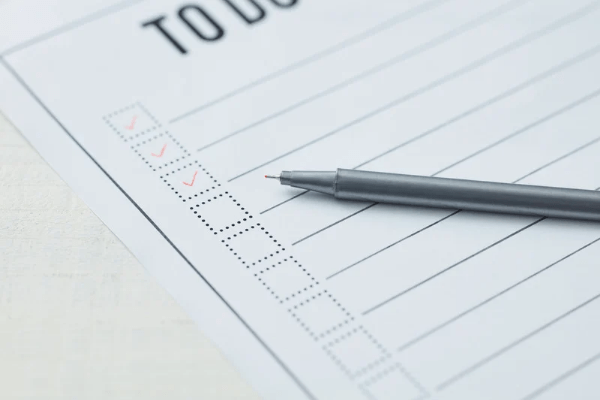
2. Microsoft To Do. This is a simple, free tasks app. I like this one for it’s ease of use, simple interface and ability to sync between devices. You can set multiple reminders for each task without needing to pay extra.
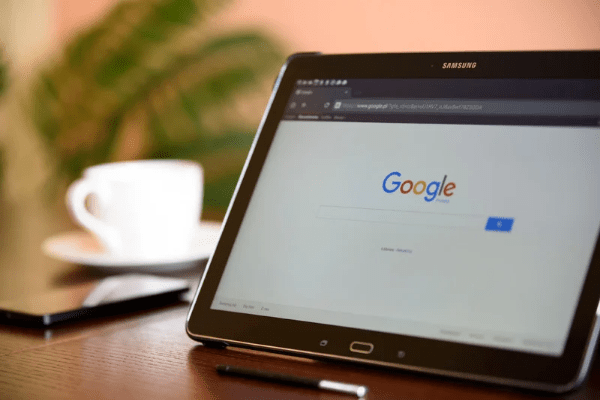
3. Google Docs – You can’t go wrong with basic word processing. I keep a log of my activities in a running document each month, allowing me to keep track and make sure I am not repeating tasks. The ability to switch between devices and pick up where I left off is a huge bonus.
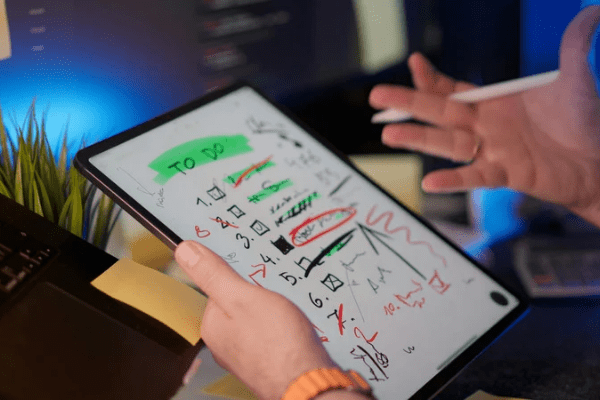
4. Google Sheets – I use Sheets for various activity logs. In terms of productivity, I created a progress tracker with specific dates and times so I am aware of how much time I am spending on each task.
These seem obvious but I have found them to be the most useful. I did dabble with some fancier apps but I dislike anything that requires a subscription (creators should be paid, but also, I know I’ll eventually forget to check the app and it’ll be a waste!) or has a busy interface.
You can also find a lot of templates for Sheets and Docs online.
Honourable mention: Zoho Notebook
Zoho Notebook allows you to create a different notebook for each topic or subcategory you have (and then have nested notebooks in those). This is perfect for project management and keeping a log of activities, thoughts, events, etc.
An app I want to try: Scrivener.
Scrivener is a writing tool that helps you organize, draft, and manage long-form projects all in one place.
I recently bought Scrivener after hearing good things about it for years. I’ve been an aspiring novelist, screenwriter, journalist and every possible creative endeavour you can think of. Scrivener is supposed to be a great tool for all those jobs. I even intend to use it for my writing here. I’ll write a review once I’ve started using it regularly.
One final thing…

When all else fails, it always pays to go back to basics – a plain sheet of paper or page in a notebook. A blank page is a miracle for me when I am tired and cannot focus. I write freeform lists and then prioritise and pick out the most important goals.
Do you have any specific apps you use to stay productive? Drop a comment below!
Here’s to a productive and successful 2026!









 Purplexed Science
Leave a comment